
Newland BS-8060 Barcode Scanner Setup in AirPOS on iPad
How to setup and update your Newland barcode scanner in AirPOS for iPads
 AirPOS Support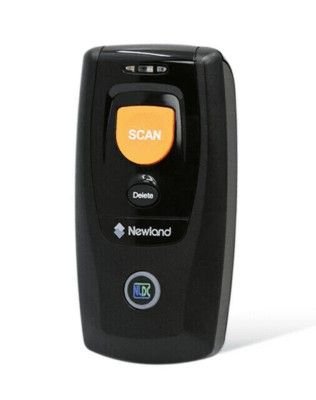
Newland BS-8060 Barcode Scanner Setup in AirPOS on Android
How to setup and reconnect the Newland barcode scanner on AirPOS for Android
AirPOS Support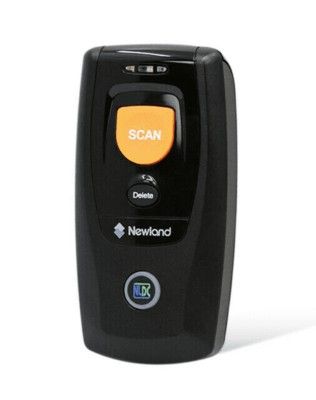
Newland BS-8060 Barcode Scanner with AirPOS on Windows
The scanner will work in Bluetooth Mode or USB Mode the default being Bluetooth. To switch between the two press the Scan/Power Button (4) and the Function Button (6) at the same time for three seconds or scan the appropriate barcode on page 9 of the quick start booklet that came with the scanner.
AirPOS Support